For manufacturers and suppliers of bolts, screws and custom fasteners, the configuration process can bring product dimensions, available options and commercial calculations into one guided workflow. Your team defines the product logic; customers or sales users work through the steps relevant to their application.
Available as a web service or on-premises, with a browser-based backend and frontend.
Discuss your fastener configuration project
Bring Fastener Selection and Quotation into One Workflow
A request for a custom bolt may arrive as a drawing, a spreadsheet or a short email. Before preparing an offer, your team needs to establish exactly what the customer wants: dimensions, thread specification, head geometry, material, surface treatment and order quantity. Missing information creates follow-up questions. Changes can require another calculation, another model and another version of the sales document.
A fastener configurator gives that conversation a defined structure. It asks for the information relevant to the selected product family and applies the rules your team has established. The resulting configuration becomes the basis for subsequent calculations and outputs, rather than a separate description that someone must interpret again.
allpccloud supports this process through a configurable product structure, guided input steps and user-specific logic. The scope can start with one bolt family and expand as additional products and their rules are defined.
A Bolt Configurator: From Dimensions to a Defined Product
A bolt provides a practical starting point for demonstrating engineering CPQ. Its configuration can involve relatively few visible choices, while the relationships behind those choices determine the resulting geometry and the information needed for a quotation.
The following workflow illustrates how a bolt configuration project can be structured. It is an example, not a description of a specific customer installation. The available selections, checks and outputs are defined for your product range during implementation.
Define the Bolt Family and Available Options
The process begins with the product family. A manufacturer may want to configure a specific range of hex-head bolts, flange bolts or another established design. Starting with a bounded range makes it possible to define which parameters are adjustable and which characteristics remain fixed.
The frontend can then present the relevant choices in a sequence that makes sense to the user. A sales representative may already know the required specification, while a customer may need more guidance. The configuration steps can be designed around the information each user can reasonably provide.
Enter Dimensions and Product Requirements
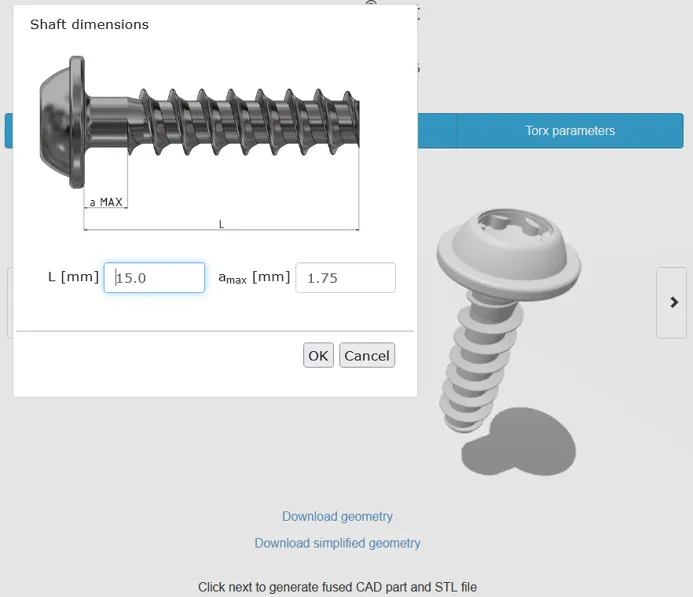
Typical inputs for a bolt configuration project could include nominal diameter, overall length, threaded length, head dimensions, material, coating and quantity. These are project-specific parameters, not a requirement to expose every possible option to every user.
For example, choosing one product family may make certain dimensions fixed, while another family allows additional input. The aim is to collect enough information to describe the requested fastener without turning the interface into an unrestricted engineering form.
Apply the Product Rules
Input validation checks the configuration against the limits and relationships included in your implementation. A simple dimensional rule might prevent a threaded length from exceeding the available shank length. More detailed logic can reflect the permitted combinations established by your engineering team.
These checks are only as complete as the product rules behind them. The configuration workflow should therefore distinguish standard selections from requests that still need engineering review. A valid configuration means that the defined checks have been satisfied; it does not replace any required testing, engineering approval or application release.
Create the Required Outputs
Once the product parameters are defined, they can provide the inputs for technical calculations, cost estimates, sales documents and parametric CAD generation. Which outputs are included depends on the scope of the configured solution.
For a bolt project, this creates a practical link between what the customer selects and what the sales or engineering team receives. The same dimensions used to describe the requested variant can also drive its CAD geometry, where that geometry has been implemented.
Discuss a bolt configurator for your product range
Configure Screws, Studs and Other Technical Fasteners
The same configuration approach can be considered for other fastener families. A screw configurator may need choices for head style, drive, length and thread. A stud configuration may require dimensions for two threaded ends. A fastener assembly may need a hierarchy that includes the main part and associated components.
These applications share a common requirement: product knowledge must be expressed as a structure, parameters and rules that the software can use. They do not necessarily share the same calculations or configuration steps. A custom screw project should therefore be scoped around the manufacturer’s actual product range, rather than treated as a copy of a bolt demo. Additional fastener families are project scopes, not prebuilt modules.
This approach is particularly relevant when a static catalogue cannot describe all permitted combinations. It allows you to establish a defined configuration range while keeping unusual requests available for discussion with your engineering team.
Connect Product Configuration with Cost Estimates and Sales Documents
The commercial task begins before the final quotation is written. Your team needs a sufficiently complete specification to calculate an estimate and explain what is being offered. A configuration workflow helps establish that specification before the document is generated.
allpccloud CPQ supports rule-based cost estimates and sales documents for technical products. In a fastener implementation, the calculation can be designed around the parameters and commercial rules agreed for that project. Relevant inputs may include dimensions, selected options or quantity, depending on how your business calculates an offer.
The software does not arrive with a universal manufacturing cost model for every fastener. Your calculation method, data and exceptions need to be defined. This is especially important where tooling, secondary operations or non-standard requests require an individual assessment.
The objective is a consistent route from the specified product to the information needed for an offer. Your team can determine which configurations are suitable for automated document generation and which should remain subject to review.
Generate Parametric 3D CAD from Configuration Data
A downloadable catalogue model represents an existing part. Parametric CAD generation addresses a different task: creating geometry from the parameters of the configured variant.
allpccloud supports the generation of 3D CAD models through its product configuration software. Where the necessary geometry and logic have been implemented, customer inputs can drive the resulting shape. For a bolt application, dimensional inputs can therefore become part of the model-generation process rather than information that must be entered again manually.
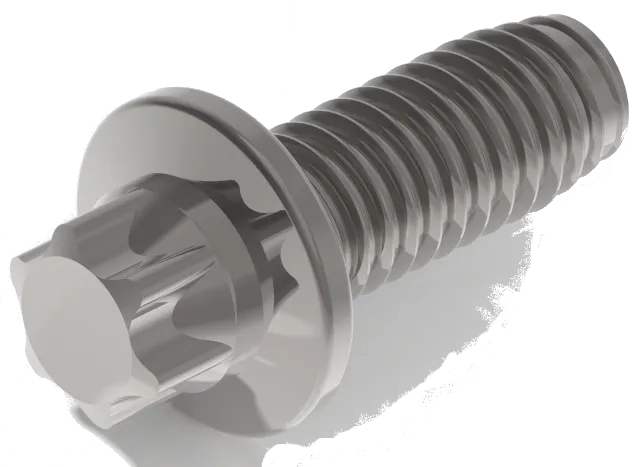
The required level of detail should be established at the start of the project. A model for assembly planning may serve a different purpose from a model used in a manufacturing workflow. Thread representation, geometric detail and the intended downstream use should be discussed alongside the required file format.
CAD output is one part of the configuration workflow. Its value comes from keeping the technical representation connected to the product that has actually been specified.
A Browser-Based Frontend for Customers and Sales Teams
Both the frontend and backend of allpccloud CPQ are accessible through a browser. The frontend takes users through the defined configuration steps, while the backend is used to establish the product structure and configuration logic.
The frontend can be embedded into an existing website and visually adapted. This makes it possible to introduce a fastener configuration journey within your current web presence. Where required, a store function can also be used.
The intended user matters when designing that journey. A customer-facing configurator may need explanatory labels and a limited selection of options. An internal sales workflow may require a different sequence or more technical information. These requirements should guide the implementation from the outset.
Define Your Product Knowledge in the Backend
Fastener configuration depends on more than a set of dropdown menus. The backend needs to describe what the product consists of, which parameters define it and how the configuration steps affect those parameters.
In allpccloud, products are organised hierarchically. Product parameters can describe dimensions, costs and other characteristics needed during configuration. Standard steps, such as selection or dimension input, can be combined with user-specific steps programmed for the application.
This provides a foundation for representing a technical product and its configuration process together. The implementation work is to translate your existing product knowledge into that structure: supported variants, calculation logic, permitted combinations and the outputs your users require.
Web Service or On-Premises Deployment
allpccloud offers its CPQ software as a web service and on-premises. The appropriate option depends on your operating requirements and the intended relationship between the configurator and your existing systems.
Browser-based access is available for the backend and frontend. Hosting arrangements, data flows and any required connections to other business applications should be agreed for the specific project.
If your fastener quotation process depends on an ERP, CRM or another source of product data, bring that requirement into the initial discussion. The connection scope needs to be assessed against the systems and workflows involved.
Start with One Fastener Family
A focused first project makes the configuration requirements easier to define and assess. Choose a product family with repeatable enquiries, identifiable parameters and a clear set of required outputs. An existing bolt range can be a useful starting point when its dimensions and permitted variations are already documented.
Bring a representative enquiry, the information your team uses to process it and an example of the resulting offer or technical output. These materials help establish what the configurator needs to collect, calculate and produce.
The first implementation can then be assessed against a concrete workflow. Does it collect the information needed for review? Do the configured rules reflect the selected product range? Are the outputs suitable for their intended use? Answering these questions provides a basis for deciding what to extend next.
Fastener Configuration Guides
Practical background on the specification questions that a fastener configurator has to capture:
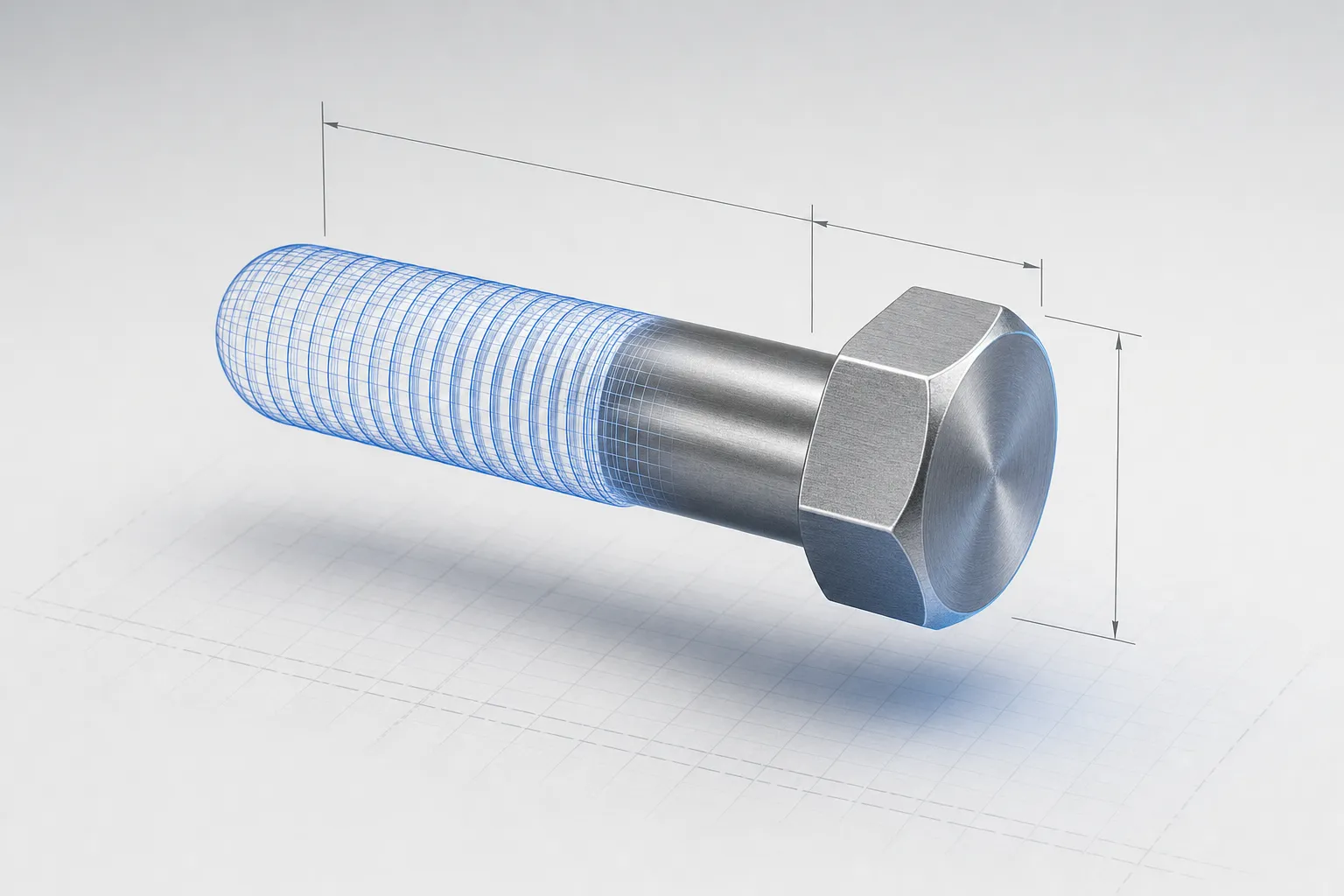
Screw CAD Models: From Standard Downloads to Parametric Configuration
Compare catalogue screw models with parametric generation, and check dimensions, identifiers, thread detail, units and intended use before relying on a CAD model.
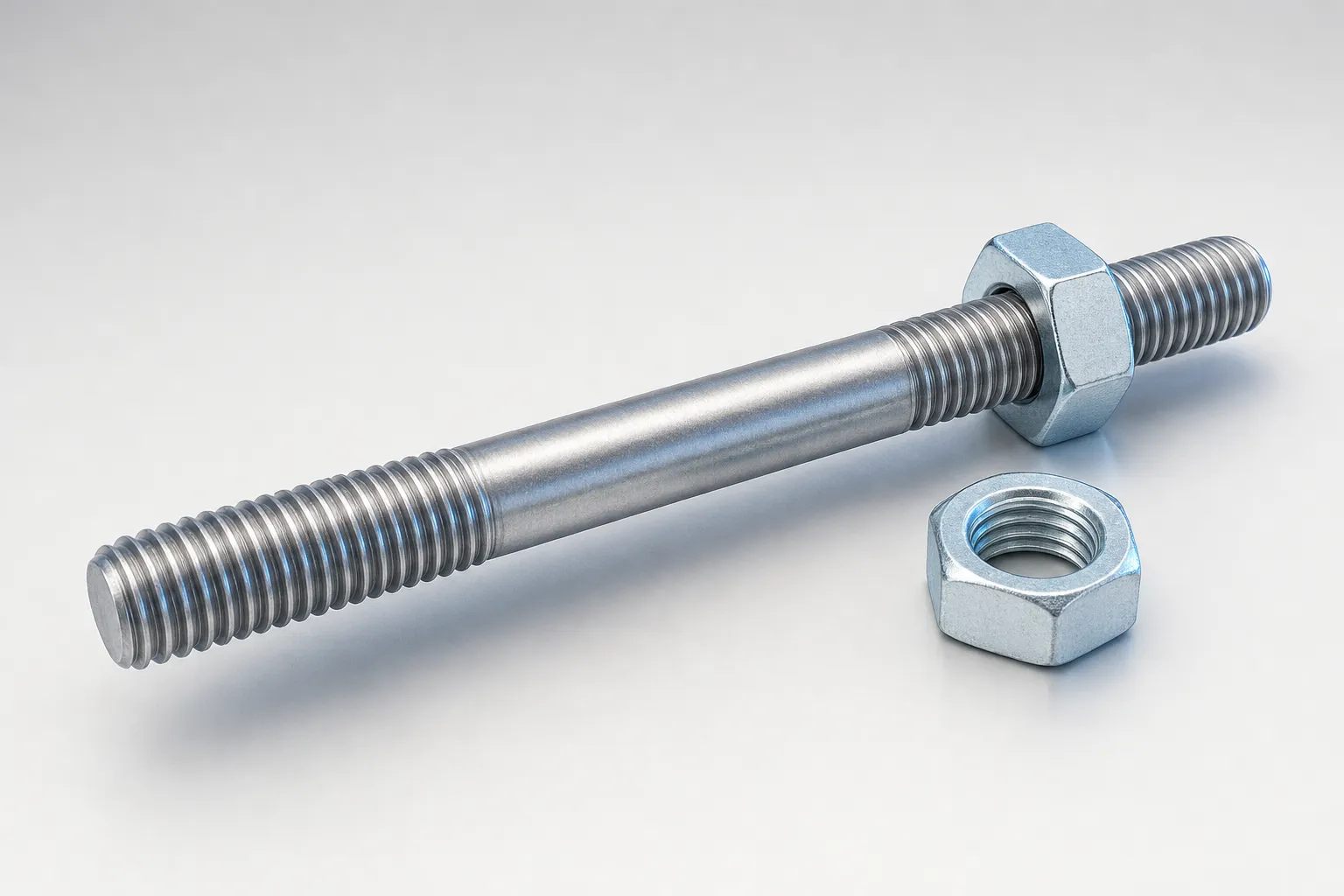
Double-End Studs: Thread Sizes, Dimensions and Specification Guide
A clear double-end stud specification identifies both threaded ends, the intervening geometry, material, finish and drawing revision, reducing avoidable quotation questions.
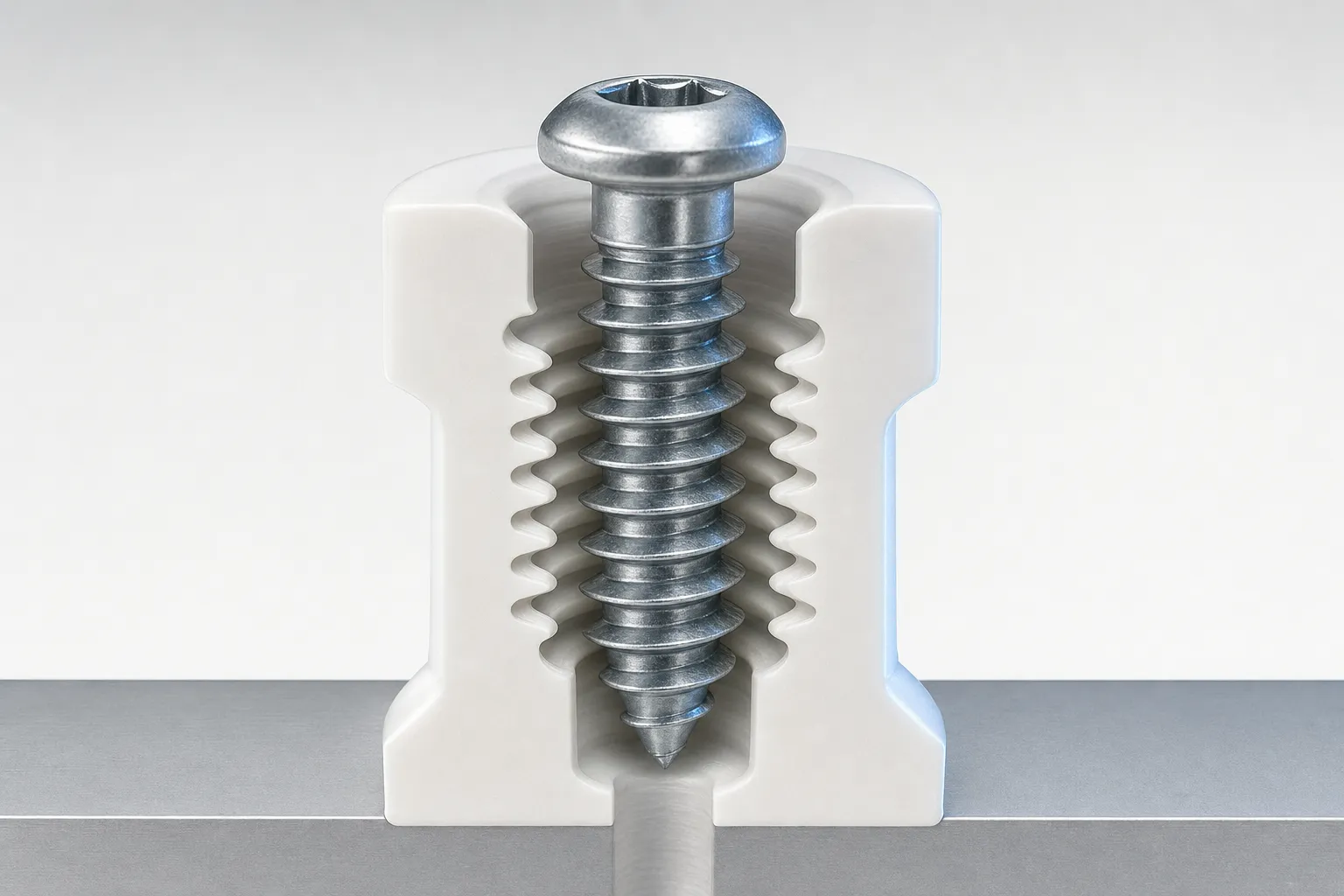
Thread-Forming Screws for Plastic: Hole Size and Specification Guide
Pilot-hole selection for plastic depends on the screw, polymer, boss geometry and assembly conditions. Learn what data to collect and how to use manufacturer recommendations.
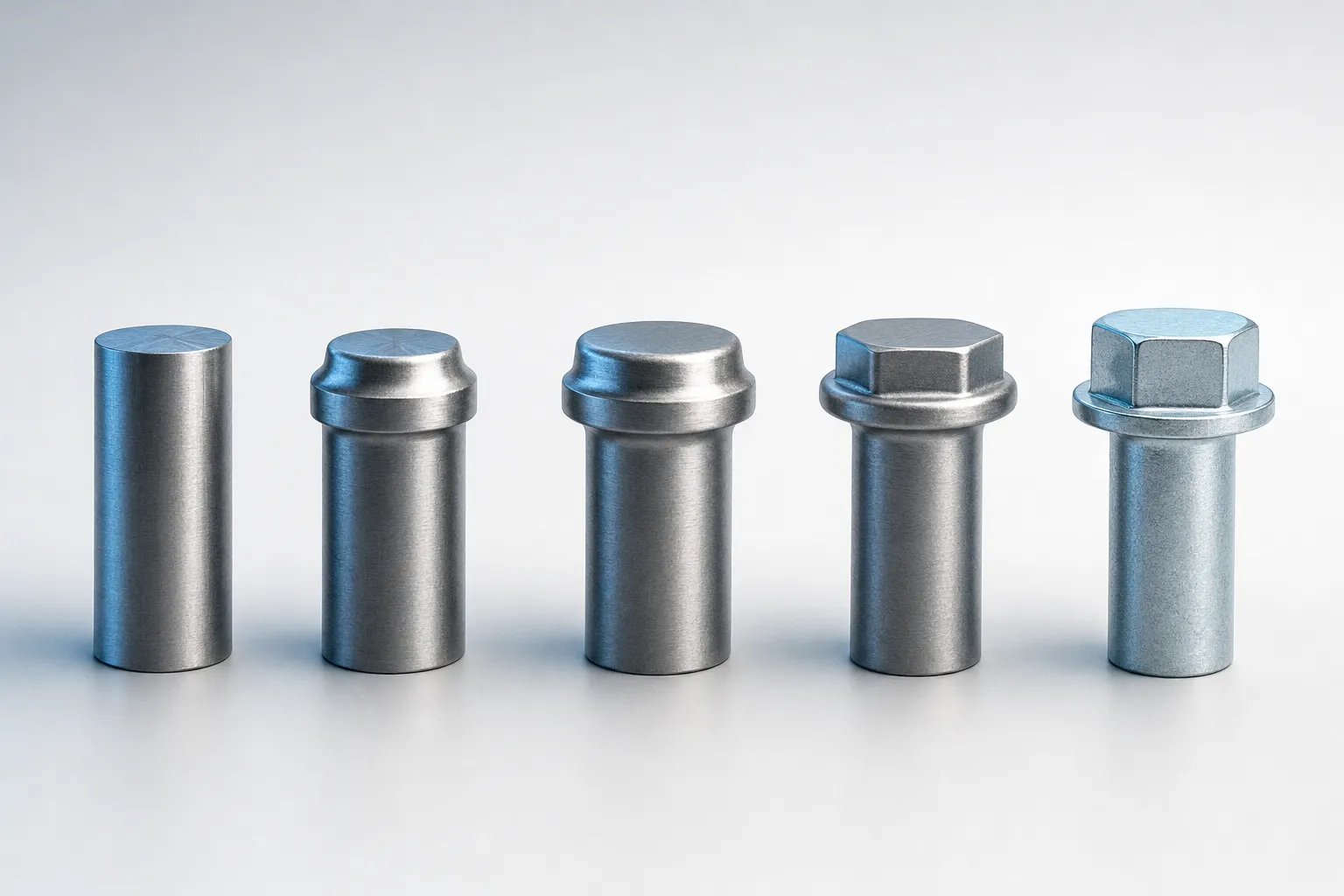
Cold-Formed Fasteners: Manufacturing Process and Specification Requirements
Cold heading forms fastener blanks in dies, often across several operations. A complete enquiry helps a manufacturer assess geometry, material, finishing and production requirements.
Frequently Asked Questions
What is fastener CPQ software?
Fastener CPQ software supports the configuration, pricing and quotation of fasteners. It brings product parameters and rules into a defined workflow so that a selected variant can become the basis for calculations and sales documents. The exact capabilities depend on the product data, rules and outputs implemented for the manufacturer.
Who is a fastener configurator intended for?
It can be useful for manufacturers and suppliers whose sales process involves configurable bolts, screws, studs or other technical fasteners. It is particularly relevant when enquiries require repeated clarification or technical input before a quotation can be prepared. The workflow may be designed for customers, internal sales users or both.
What is the difference between a bolt configurator and an online catalogue?
An online catalogue typically helps users find existing parts. A bolt configurator collects parameters and applies rules to describe a variant within a defined range. It can support calculations and configuration-specific outputs where these have been implemented. A catalogue and a configurator can also serve different parts of the same product portfolio.
Can allpccloud be used for custom bolts and screws?
The software can be adapted to technical product ranges with configurable parameters and rules. A custom bolt or screw project requires a defined scope: which dimensions can change, which options are available, how combinations are checked and what outputs are required. Fully bespoke requests may still need engineering review.
Which fastener parameters can be included?
The parameter set is defined for the application. Depending on the product family, it may include diameter, length, threaded length, head geometry, material, coating or quantity. The implementation determines which parameters are selected by the user, which are calculated and which remain fixed.
Can the configurator generate 3D CAD models?
Yes. allpccloud supports parametric 3D CAD generation as part of product configuration. The required geometry and generation logic must be implemented for the relevant product family. Model detail, output format and downstream use should be agreed during project scoping.
Can it calculate prices and generate quotations?
allpccloud CPQ supports rule-based cost estimates and sales documents. The calculation rules, required data and document content are configured for the application. Whether a particular result can be issued directly as a quotation or requires review depends on the agreed commercial workflow.
Does the software include ready-made pricing for every type of fastener?
No universal fastener pricing model is assumed. The configuration project needs to reflect your products and your method of preparing estimates. Inputs for standard variants may differ from those required for special materials, tooling or additional manufacturing operations.
Can product rules prevent invalid combinations?
Validation can check user input against the rules implemented for the product range. For example, dimensional relationships and permitted option combinations can be included in the workflow. This does not replace testing, certification or engineering approval where those are required for the application.
Can the configurator be embedded into our website?
Yes. The browser-based frontend can be embedded into an existing website and visually customised. The configuration steps and their presentation are defined around the product range and intended users. A store function can be used where required.
Is allpccloud CPQ cloud-based or available on-premises?
Both options are available. allpccloud offers the software as a web service and on-premises, with browser-based frontend and backend access. The deployment arrangement should be selected according to the requirements of the project.
Can it connect to our ERP or CRM?
Any required connection needs to be assessed for your specific systems and data flows. Identify which information must be exchanged, where the authoritative product and pricing data lives, and what should happen after a configuration is completed. Integration scope is agreed as part of the project rather than assumed from a standard connector list.
Can we begin with a single bolt family?
Yes. A project can be scoped around a defined product family and a limited set of outputs. This creates a concrete starting point for reviewing the configuration rules and user journey before considering additional fasteners or more complex processes.
What do you need to assess our project?
A representative product specification, examples of common variants and a description of your current enquiry-to-quote process are useful starting materials. Existing drawings, calculation methods and sample sales documents help identify the inputs and outputs the configurator needs to handle.
Discuss Your Fastener Configurator
Show us the fastener family you want to configure and how your team currently prepares an offer. We will discuss the product parameters, configuration rules and outputs needed for your application.
Whether your starting point is a bolt configurator, a custom screw range or a broader fastener quotation workflow, the first step is a clearly defined product and process.